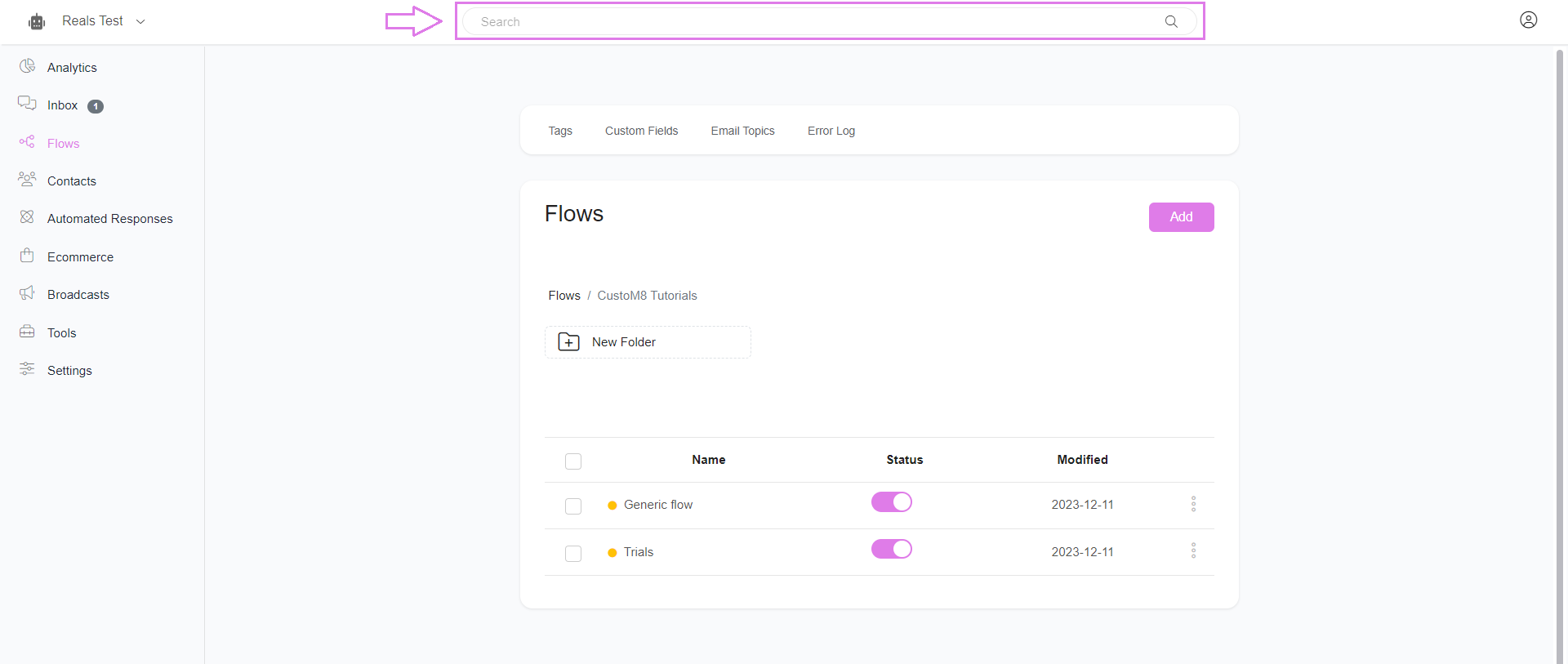
Here in the flow, there is the generic search bar, where you can search anything inside the platform, including flows.
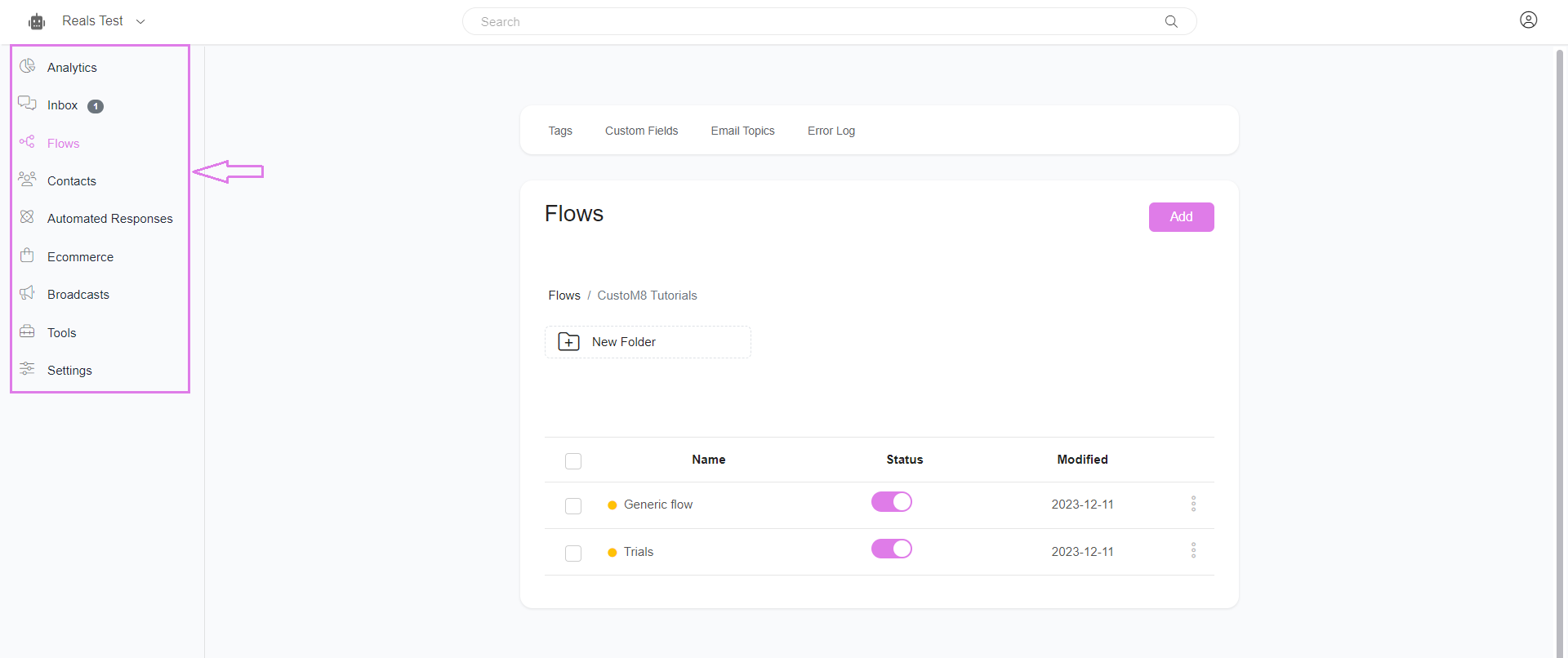
And you can access the menu on the left side of the page to navigate to other tabs in the platform.
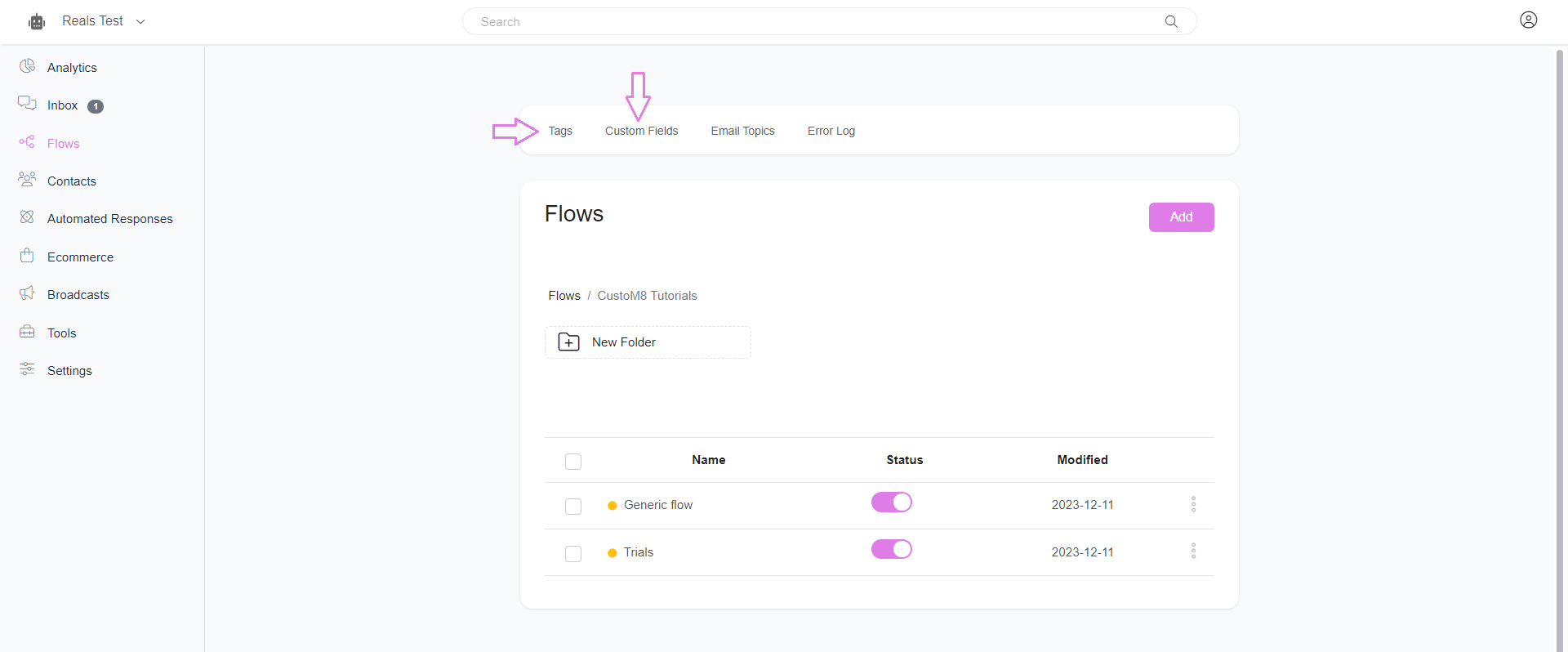
The Tags & Custom Fields links below the search box will take you to the detailed list and analytics of tags & custom fields respectively.
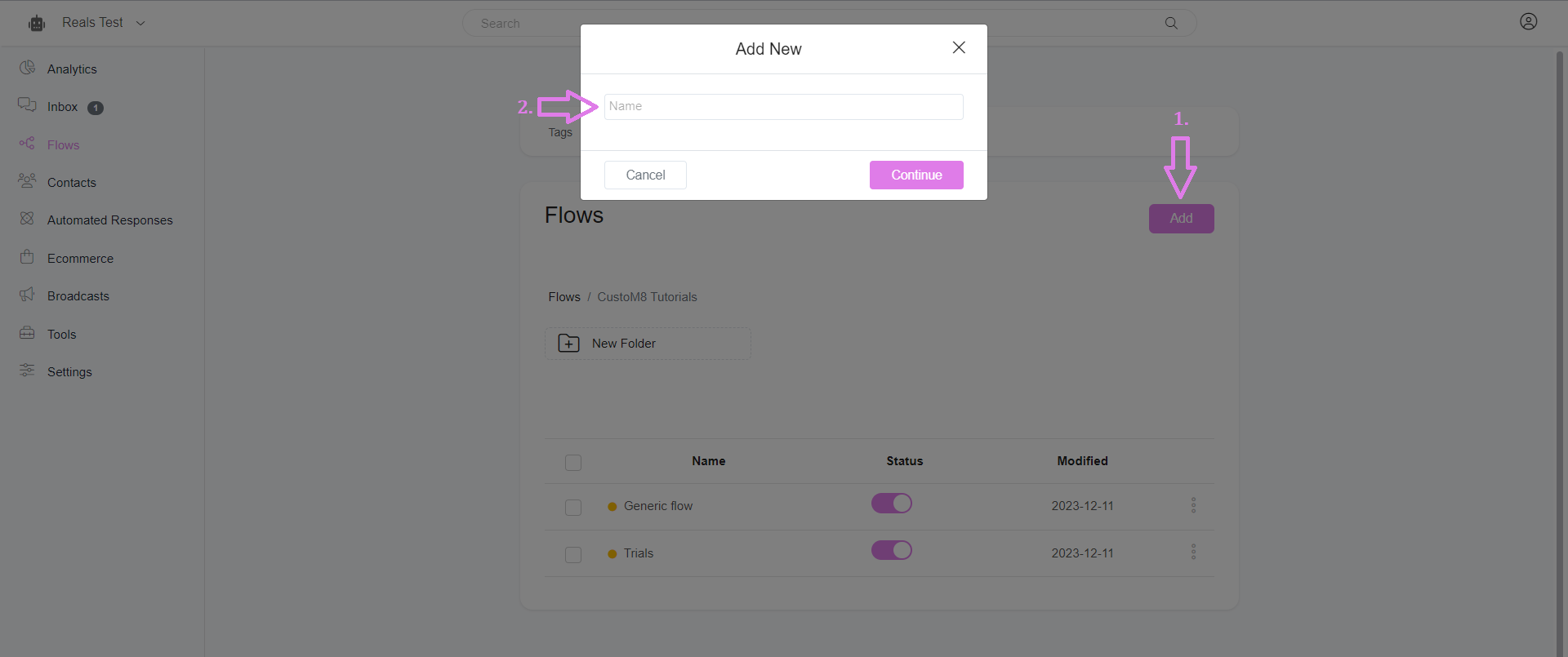
“Add Flow” is to create a new flow for your chatbot campaign, you have to give a name for your new flow to proceed further.
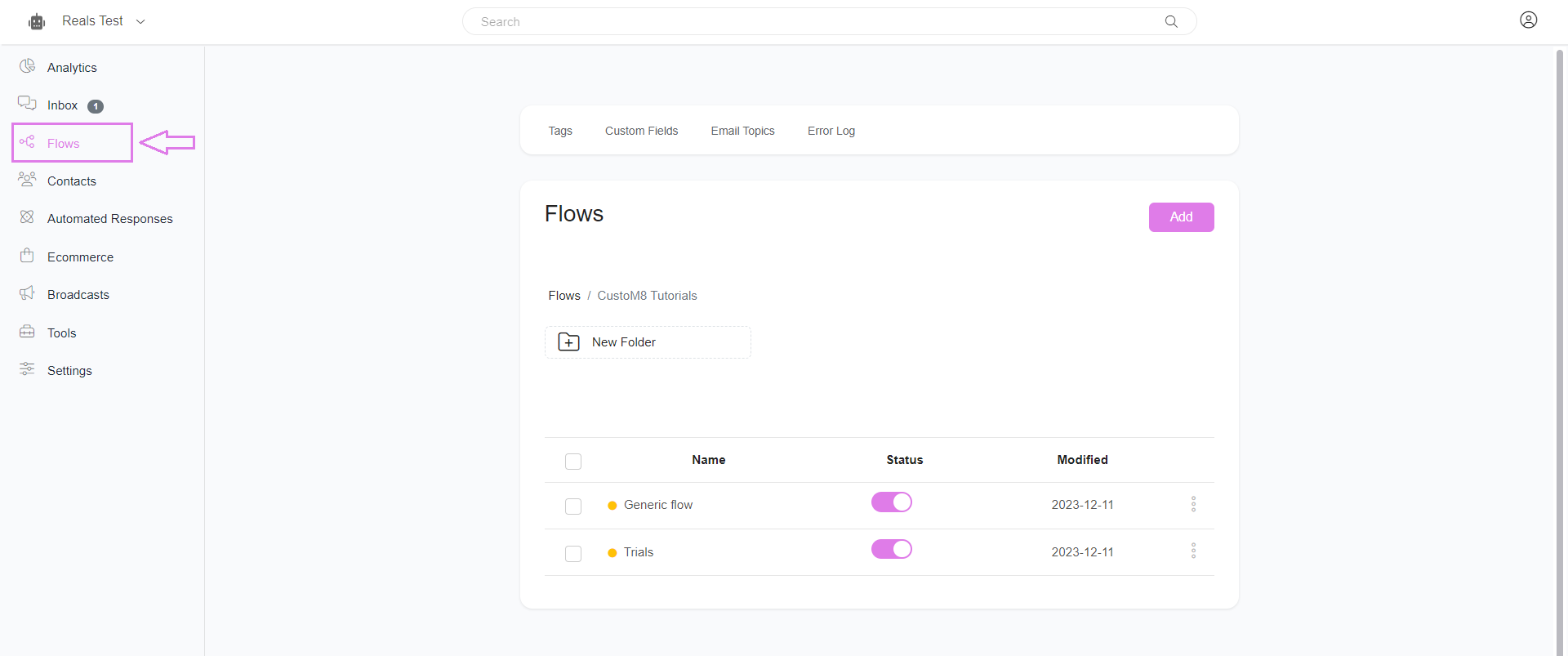
In the flow table of contents, you can see your flow’s name, modified date, and menu for every flow. On that menu, you can see details like preview, analytics, and flow link, and also can edit and delete the particular flow through this menu.
If you want to delete flows, choose the flows that you want to remove and delete the trash icon below the table (as shown in the image below).
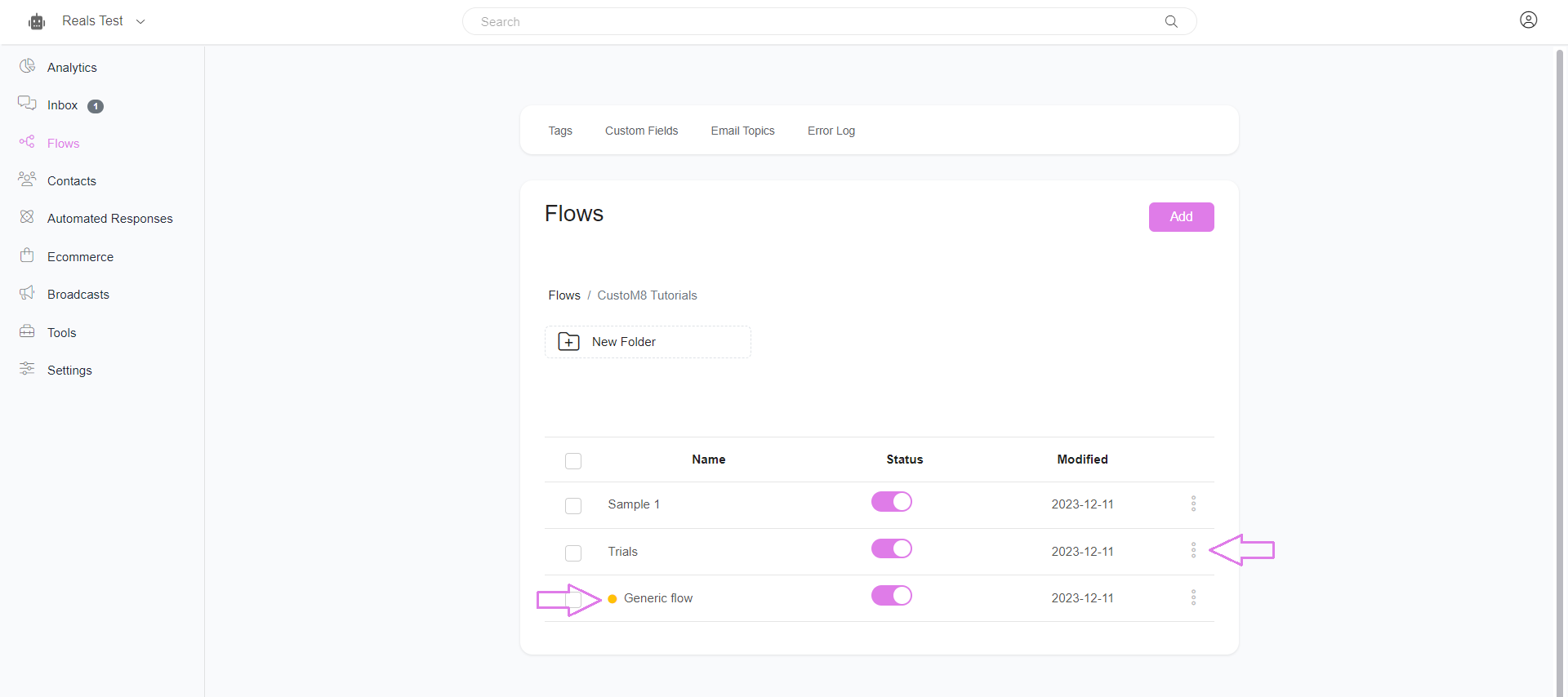
Note: The Yellow color before the flow name indicates that the flow is unpublished and it will not show to your subscribers till it is published.
Always make sure that your flow is published before making it live.
Was this article helpful?
That’s Great!
Thank you for your feedback
Sorry! We couldn't be helpful
Thank you for your feedback
Feedback sent
We appreciate your effort and will try to fix the article