Integration with Zapier enables the transmission of data from your chatbot to various other applications on the Zapier platform. Additionally, you can send data from any external application to your chatbot through Zapier.
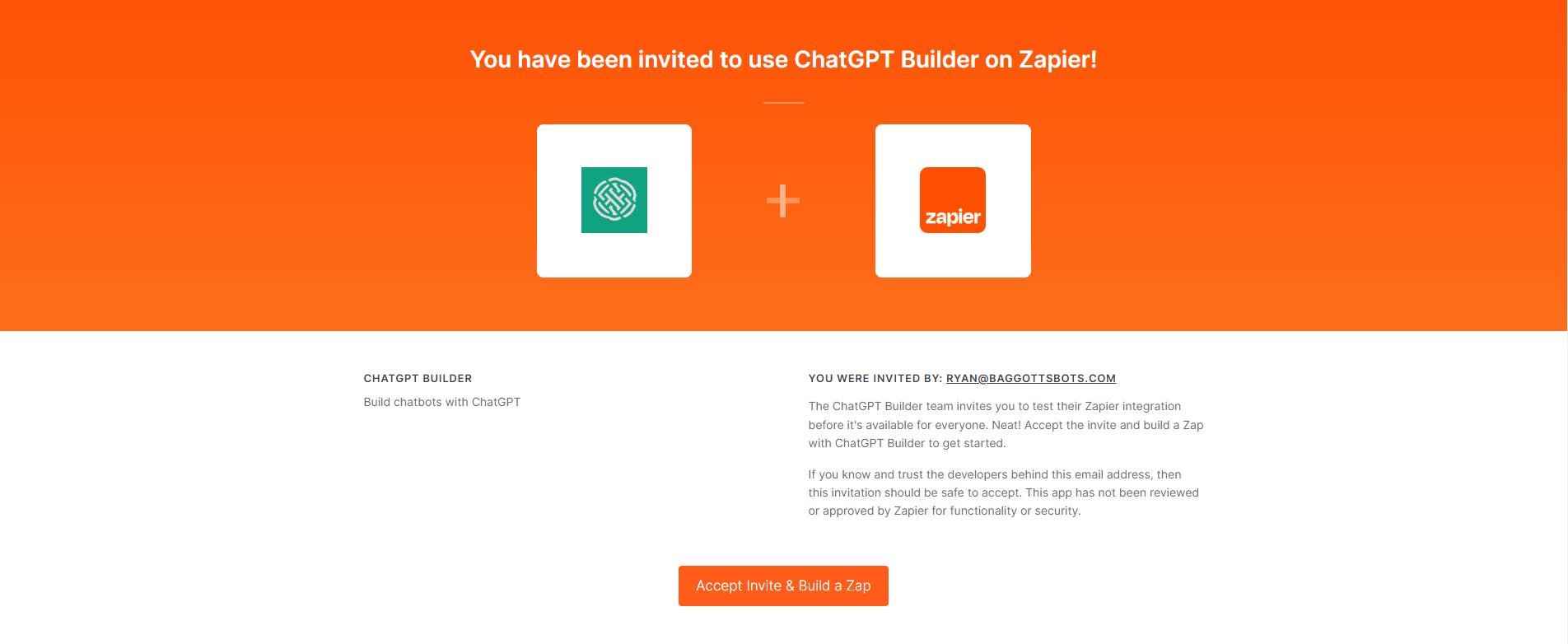
To locate and link the CustoM8 Zapier App, follow these steps: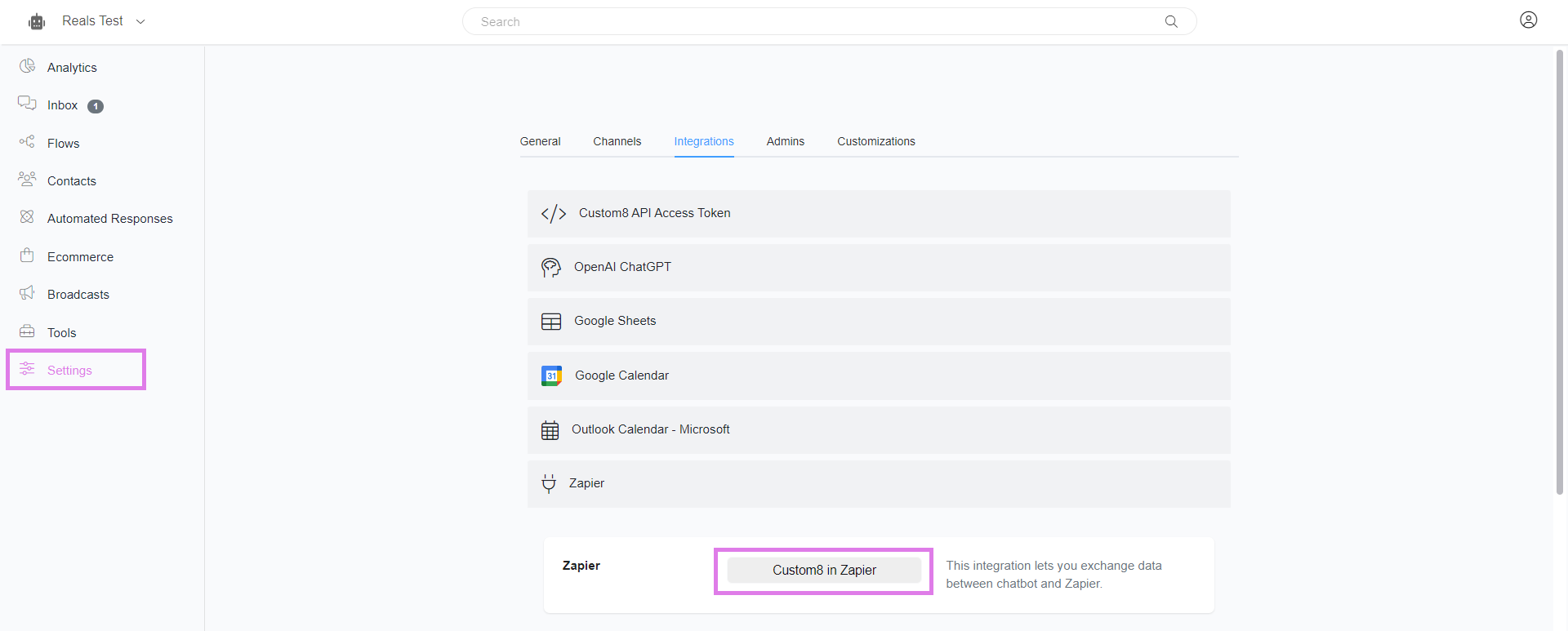
Go to Settings > Integration > Zapier
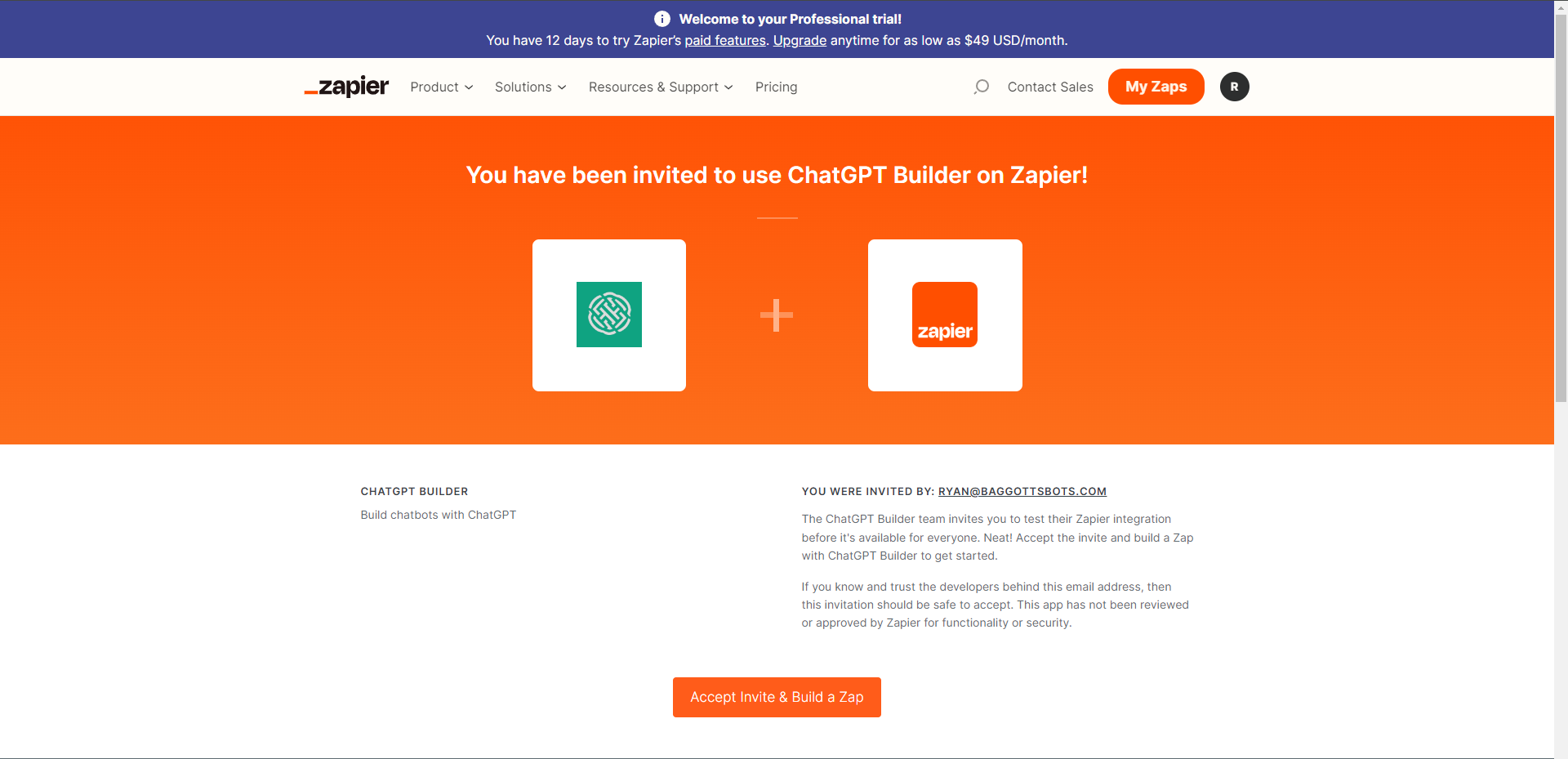
- To transmit data from your chatbot to Zapier using the CustoM8, follow these steps:
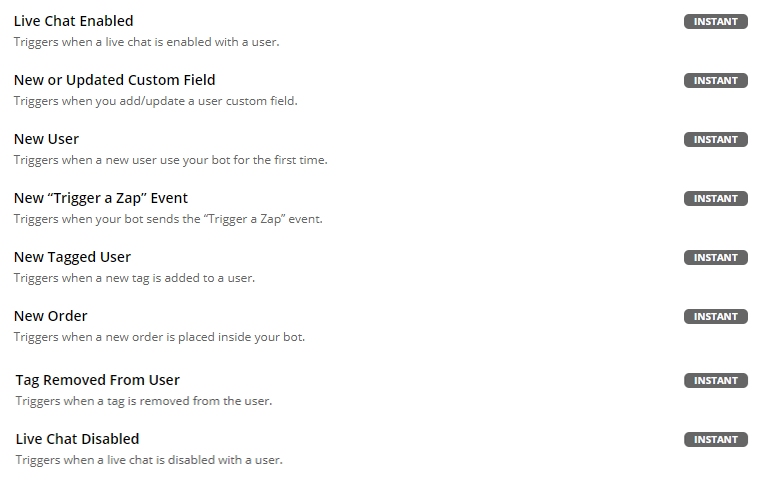
- CustoM8 provides numerous triggers enabling the transfer of data from your bot to Zapier. For instance, you can automatically send contact data whenever a tag is applied to a contact, a custom field value changes, a conversation shifts between human and bot, and more. For a comprehensive list of triggers available in CustoM8 Zapier, please refer to Zapier.
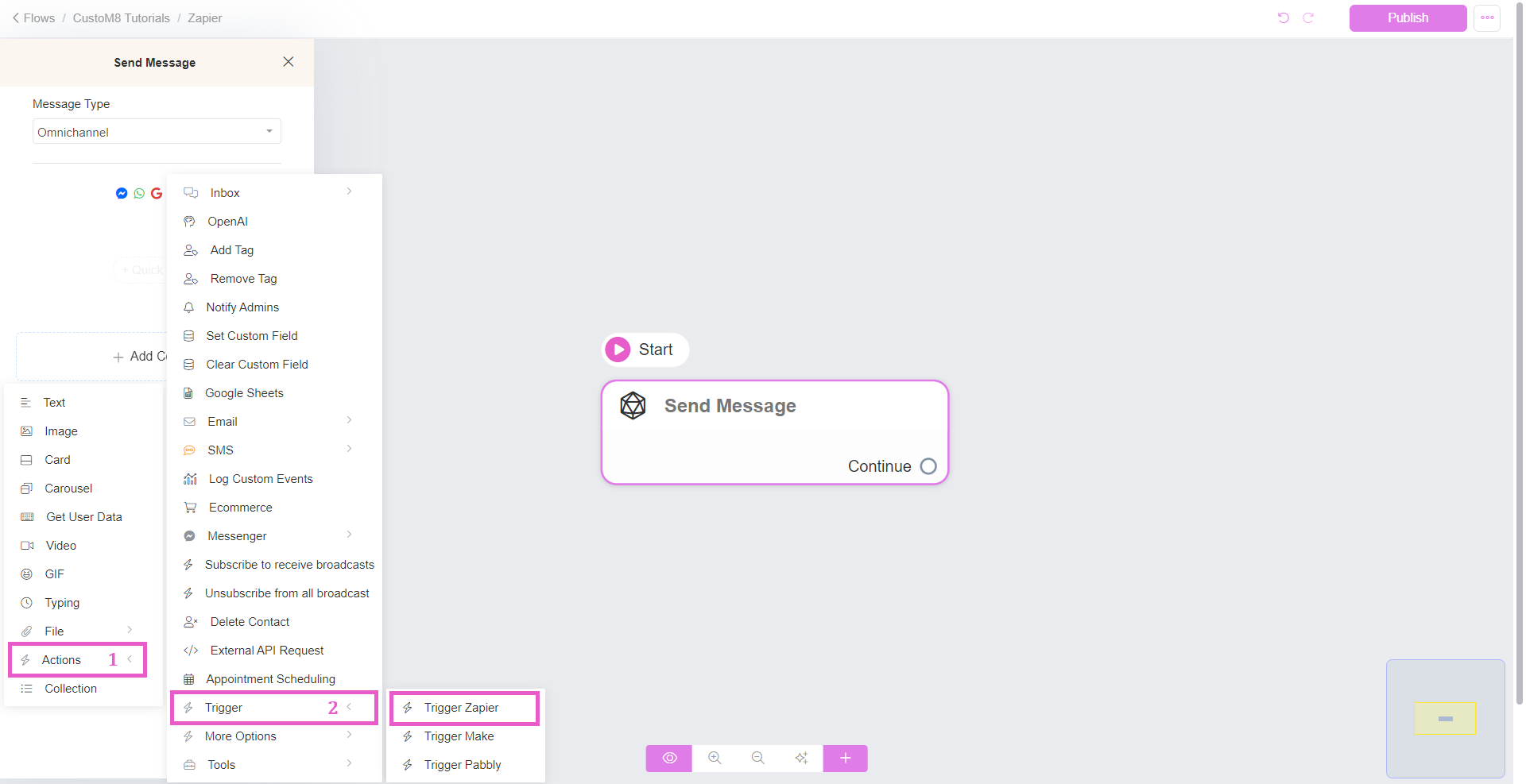
Additionally, there is a specific trigger allowing you to send data from your bot to Zapier at any point during your automation. Go to Actions > Trigger > Trigger Zapier Action. Assign a name to your Zapier action.
- After configuring the flow that sends data to Zapier, proceed to Zapier and employ the "Trigger a Zap" event trigger.
Here is a list of all available triggers enabling the transmission of data from your bot to Zapier:
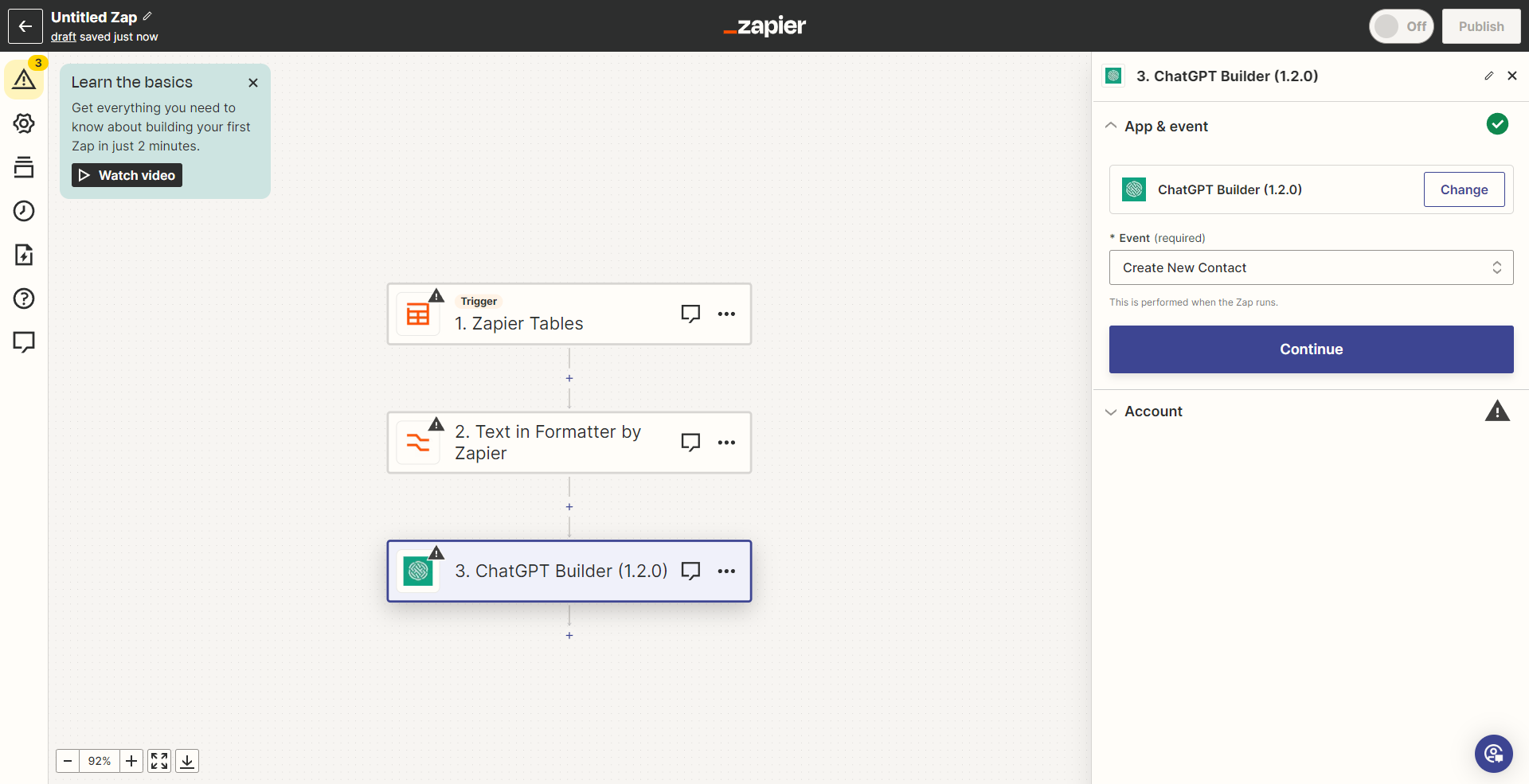
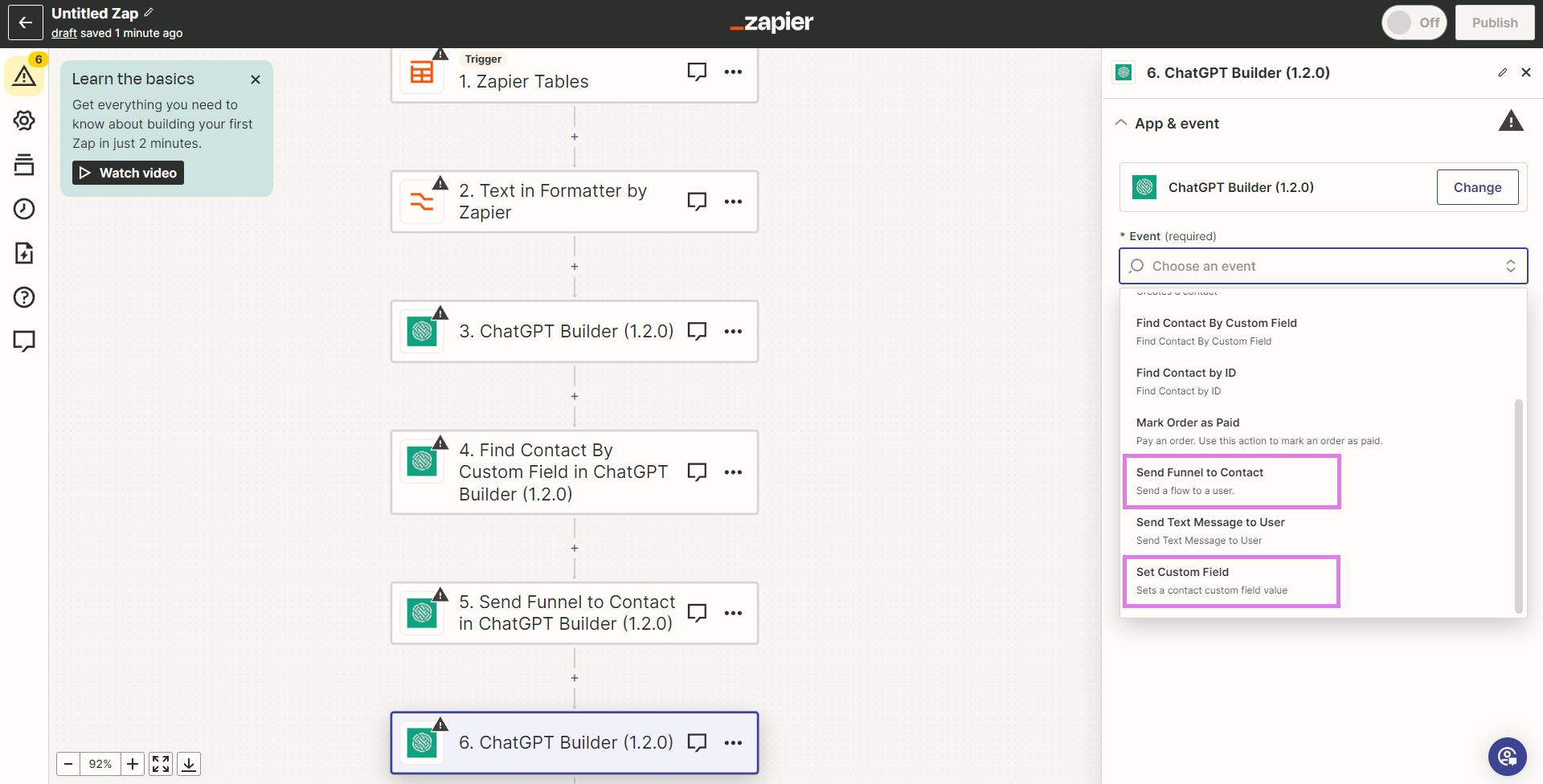
To transmit data from Zapier to your chatbot, you can add tags to a contact, configure custom fields for a contact, send flows to a contact, and perform various other actions.
Below is a comprehensive list of all available actions on Zapier that enable you to send data to CustoM8 or initiate automation from Zapier.
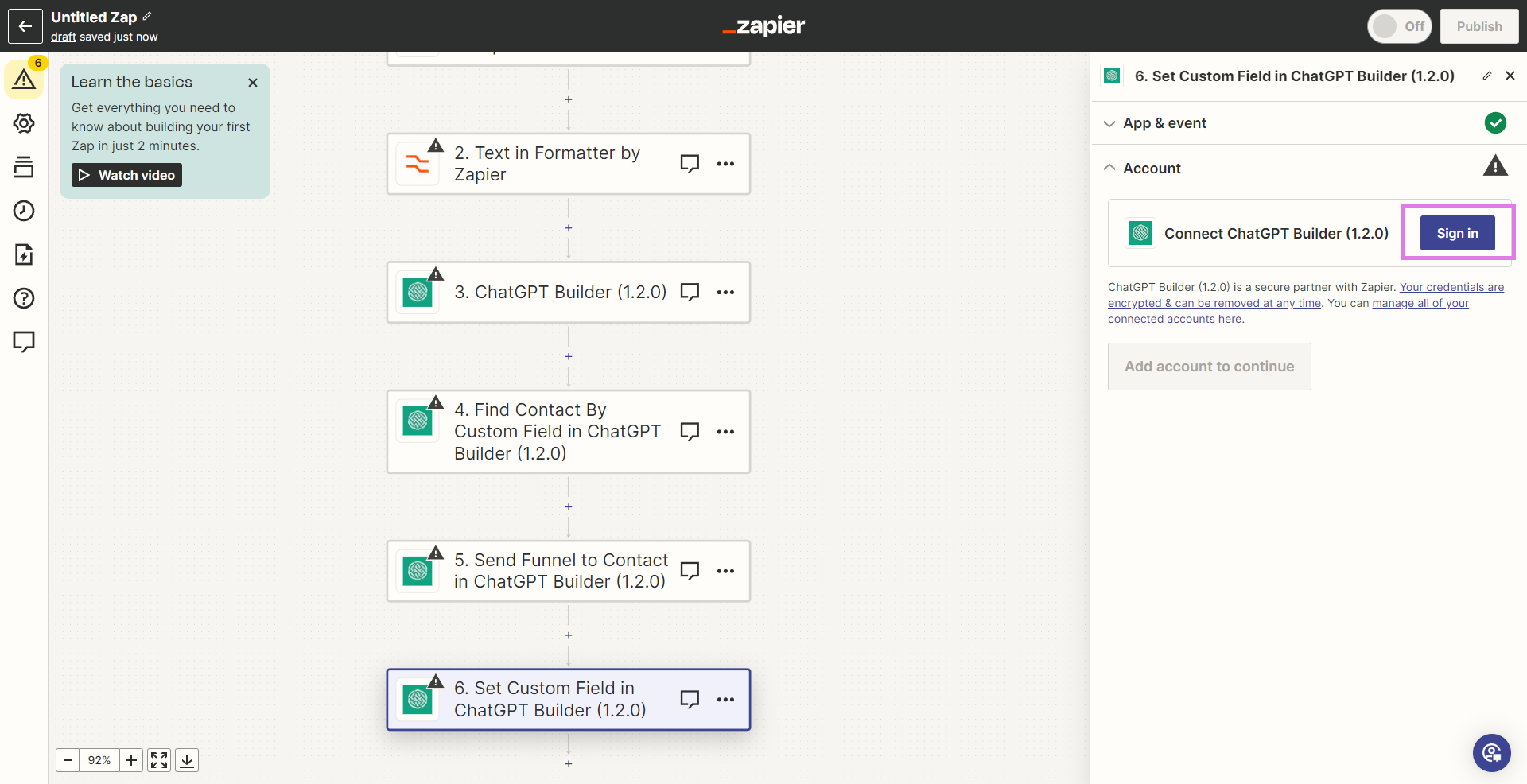
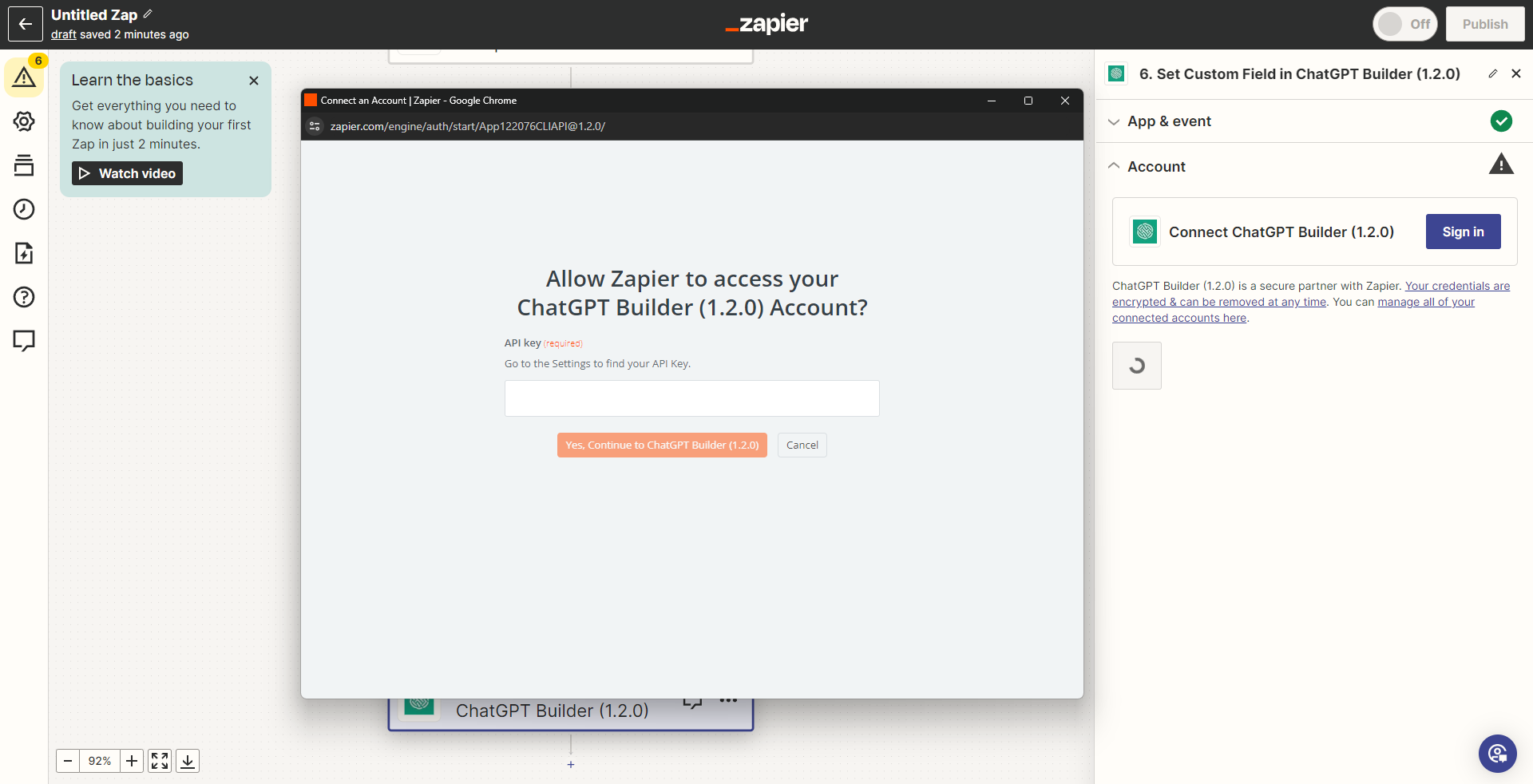
 Make sure you've allowed Zapier to access CustoM8, Click sign in if you've not signed your CustoM8 account as shown below:
Was this article helpful?
That’s Great!
Thank you for your feedback
Sorry! We couldn't be helpful
Thank you for your feedback
Feedback sent
We appreciate your effort and will try to fix the article